> For the complete documentation index, see [llms.txt](https://blog.mantago.cc/zh/llms.txt). Markdown versions of documentation pages are available by appending `.md` to page URLs; this page is available as [Markdown](https://blog.mantago.cc/zh/gong-neng-xuan-dan/wei-zhi-xun-xi.md).
# 未知訊息
#### 什麼是未知訊息?
> *遇到新的問題嗎?當使用者輸入未設定的對話流程,可以讓MantaGo幫您轉達客戶,客服會盡快協助您的顧客。*
> 💡 此功能可同時適用於 LINE 及 Messenger兩平台。
 #### 1. 新增回覆
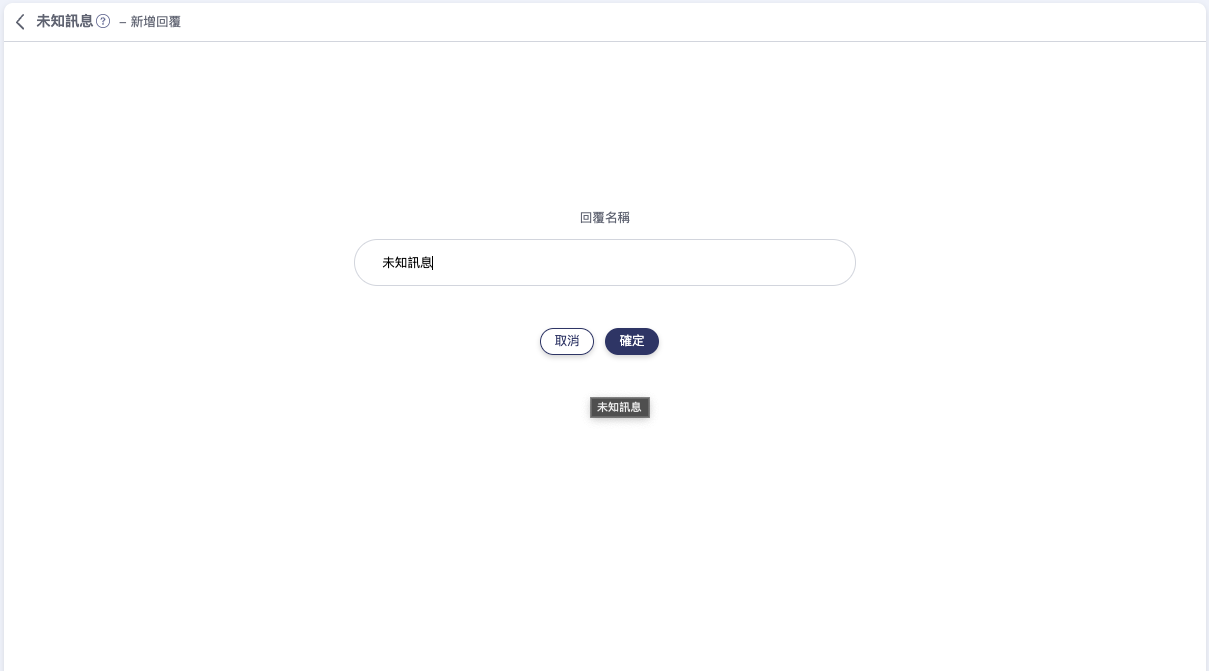
 #### 2. 新增回覆名稱
 {% hint style="info" %}
在MantaGo裡,每個回覆都會有屬於自己的名字,這邊就替未知訊息取個名字吧!
{% endhint %}
#### 3. 編輯未知訊息回覆內容
接下來就可以編輯未知訊息的內容囉!
{% hint style="info" %}
在MantaGo裡,每個回覆都會有屬於自己的名字,這邊就替未知訊息取個名字吧!
{% endhint %}
#### 3. 編輯未知訊息回覆內容
接下來就可以編輯未知訊息的內容囉!
 {% hint style="info" %}
未知訊息內容小撇步 \
1.透過按鈕將客戶的問題分類 \
2.將問題分為兩類,未知問題及常見問題,讓迷路的客戶可以先從常見問題了解
{% endhint %}
最後別忘了按下儲存唷~
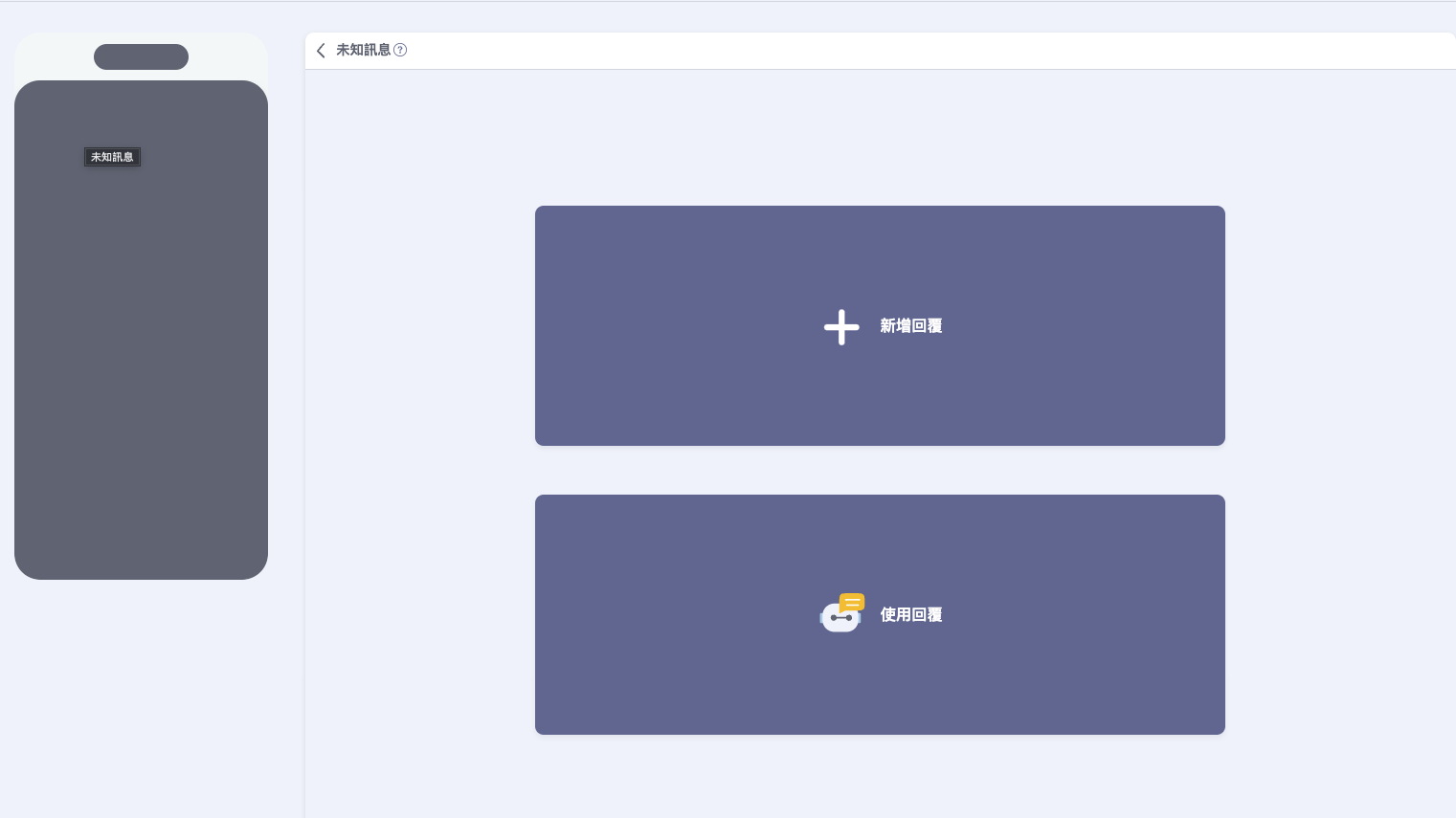
再回到未知訊息的畫面,我們現在要啟動對話模組
按「使用回覆」
{% hint style="info" %}
未知訊息內容小撇步 \
1.透過按鈕將客戶的問題分類 \
2.將問題分為兩類,未知問題及常見問題,讓迷路的客戶可以先從常見問題了解
{% endhint %}
最後別忘了按下儲存唷~
再回到未知訊息的畫面,我們現在要啟動對話模組
按「使用回覆」
 選擇剛建立的對話模組
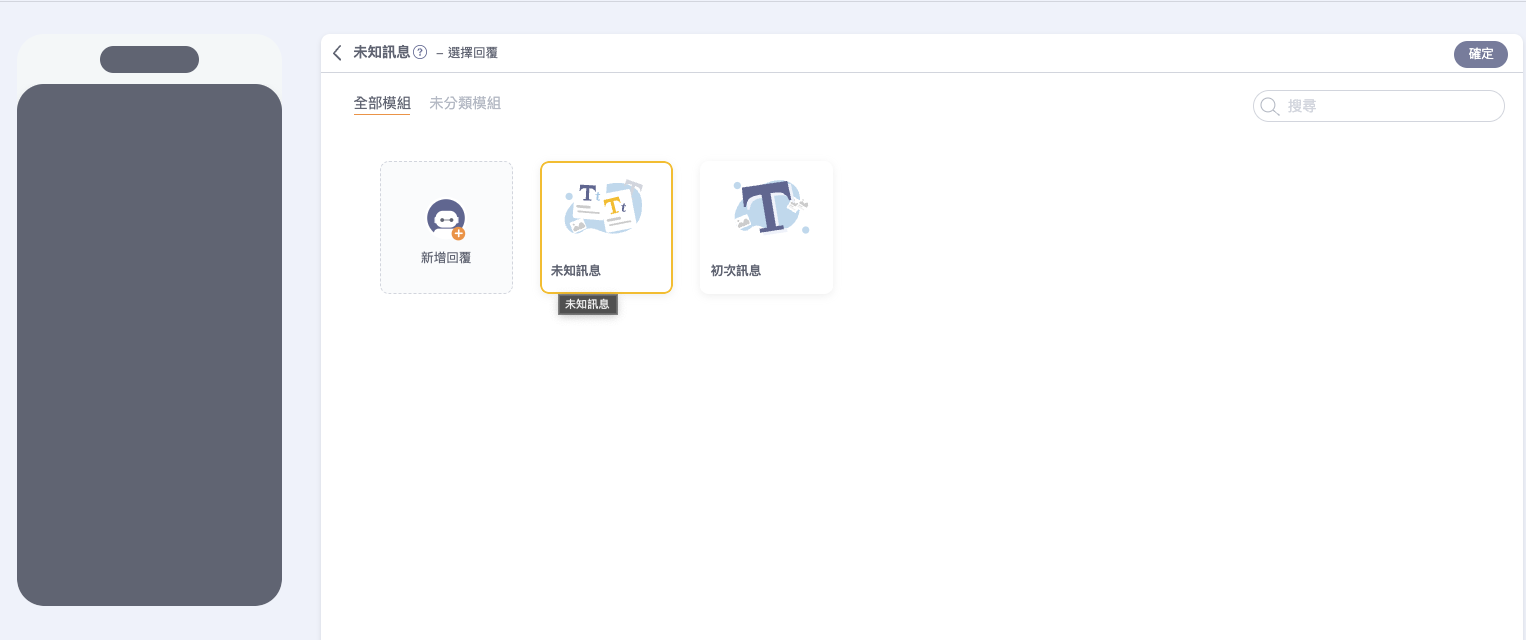 恭喜你完成設定未知訊息!
### 馬上註冊MantaGO吧!
恭喜你完成設定未知訊息!
### 馬上註冊MantaGO吧!